Import UI Hike markdown exports (ZIP) directly into Chime as Custom FAQ items via Manager UI or API. Includes drag-and-drop upload support, improved handling for large files, and clearer error feedback.
UI Hike Import for Knowledge Base - Import UI Hike markdown exports (ZIP) directly into Chime as Custom FAQ items via Manager UI or API. Includes drag-and-drop upload support, improved handling for large files, and clearer error feedback.
AI Image Captions for FAQs - Custom FAQ images are automatically enhanced with AI-generated captions after publishing. Includes new tools to view indexed content, blob data, and processing results.
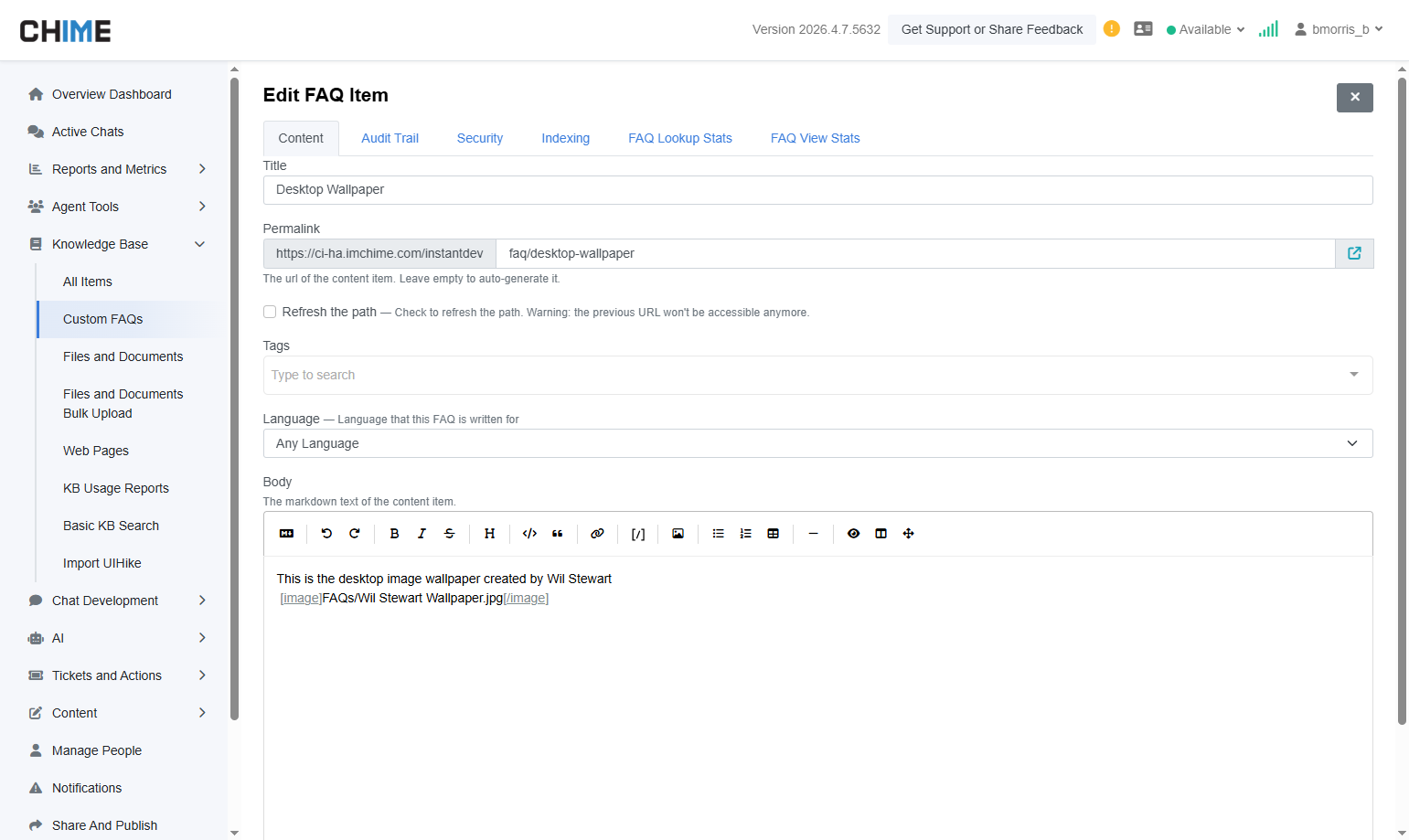
Displays a Custom FAQ with an attached image. Once published, the image is automatically processed and enhanced with AI-generated captions to improve searchability and context.
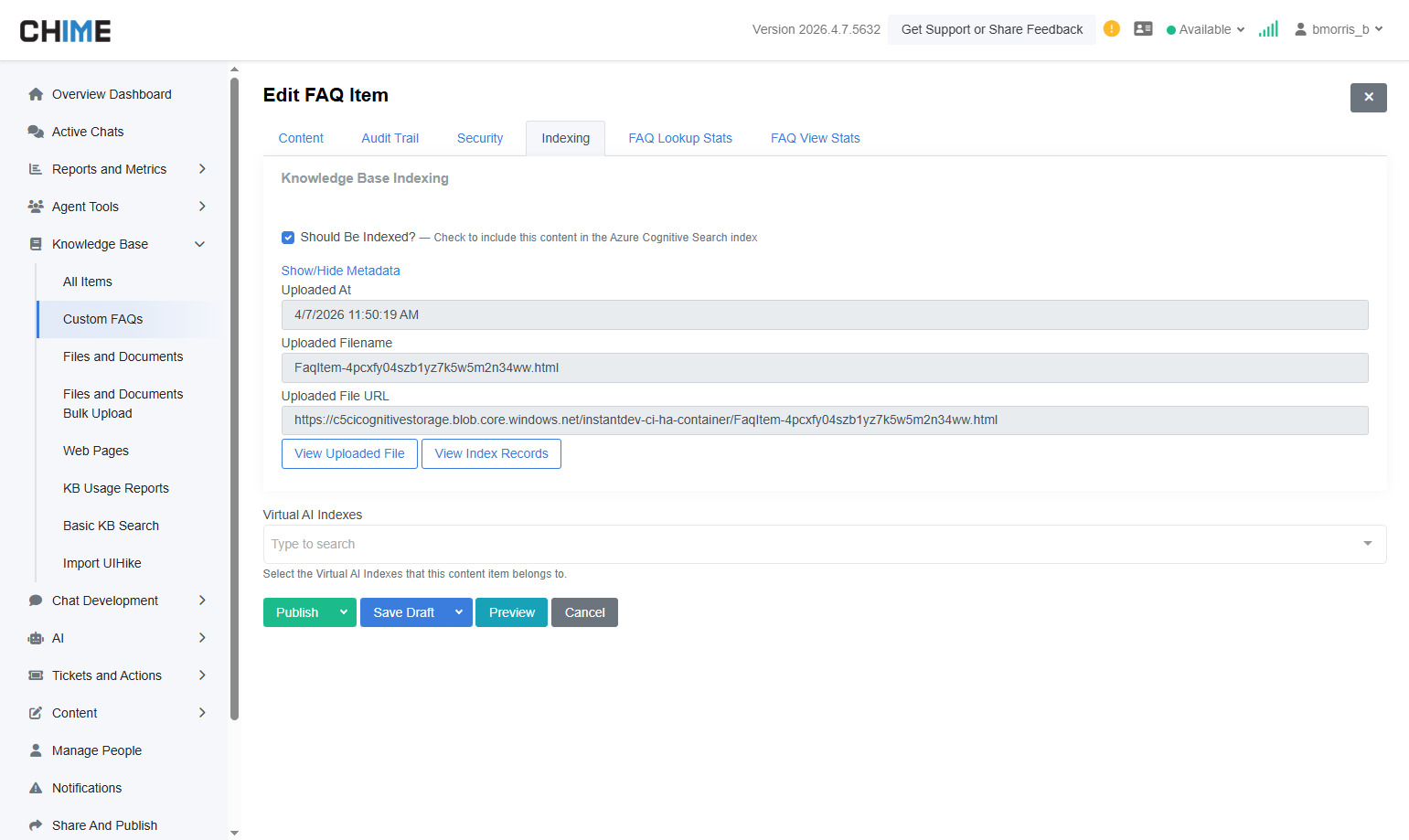
Shows the FAQ Indexing tab with detailed metadata and new tools, including View Uploaded File and View Index Records, giving visibility into how content is processed and stored.
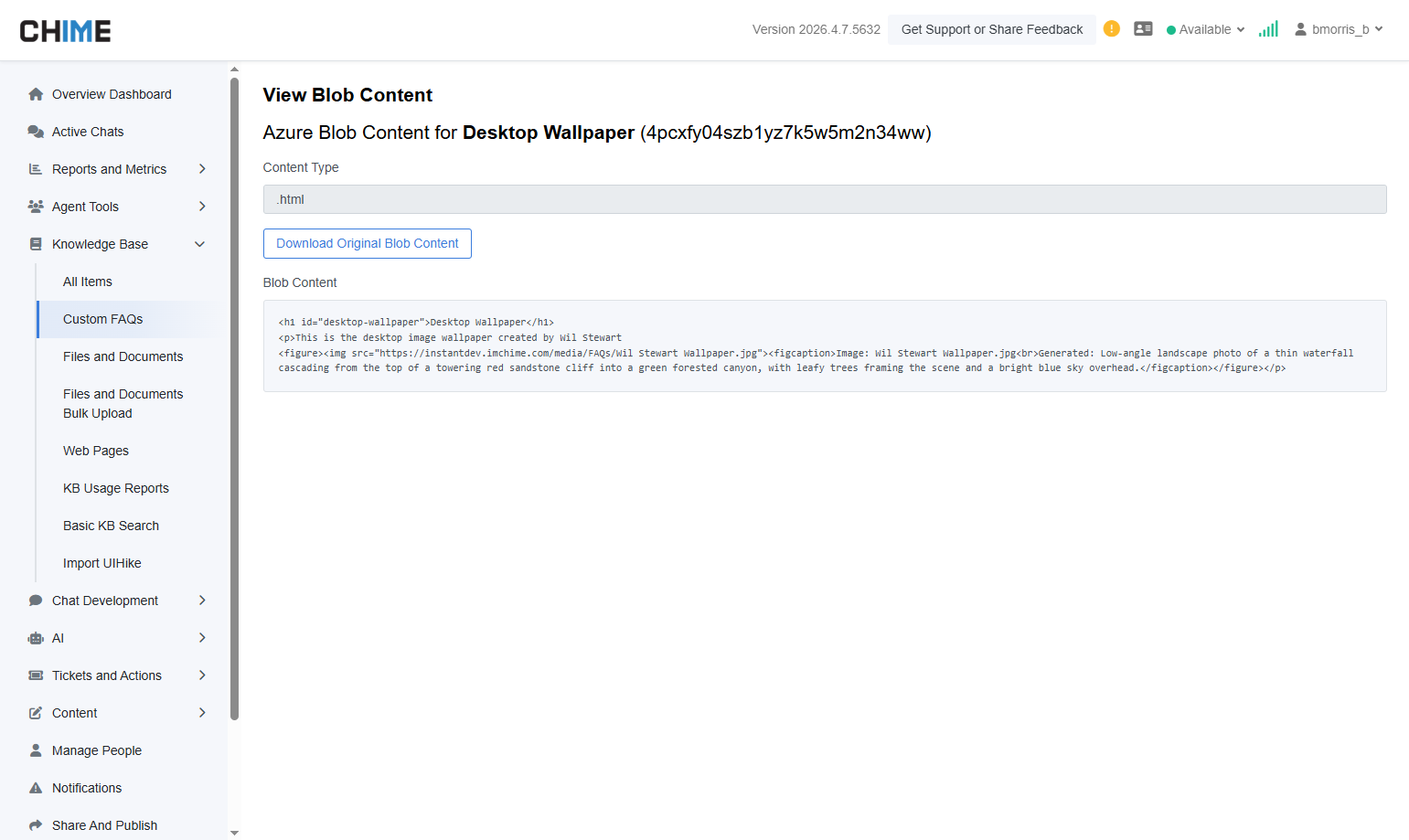
Provides access to the original uploaded file, allowing you to download and review the raw HTML/blob content used during indexing.
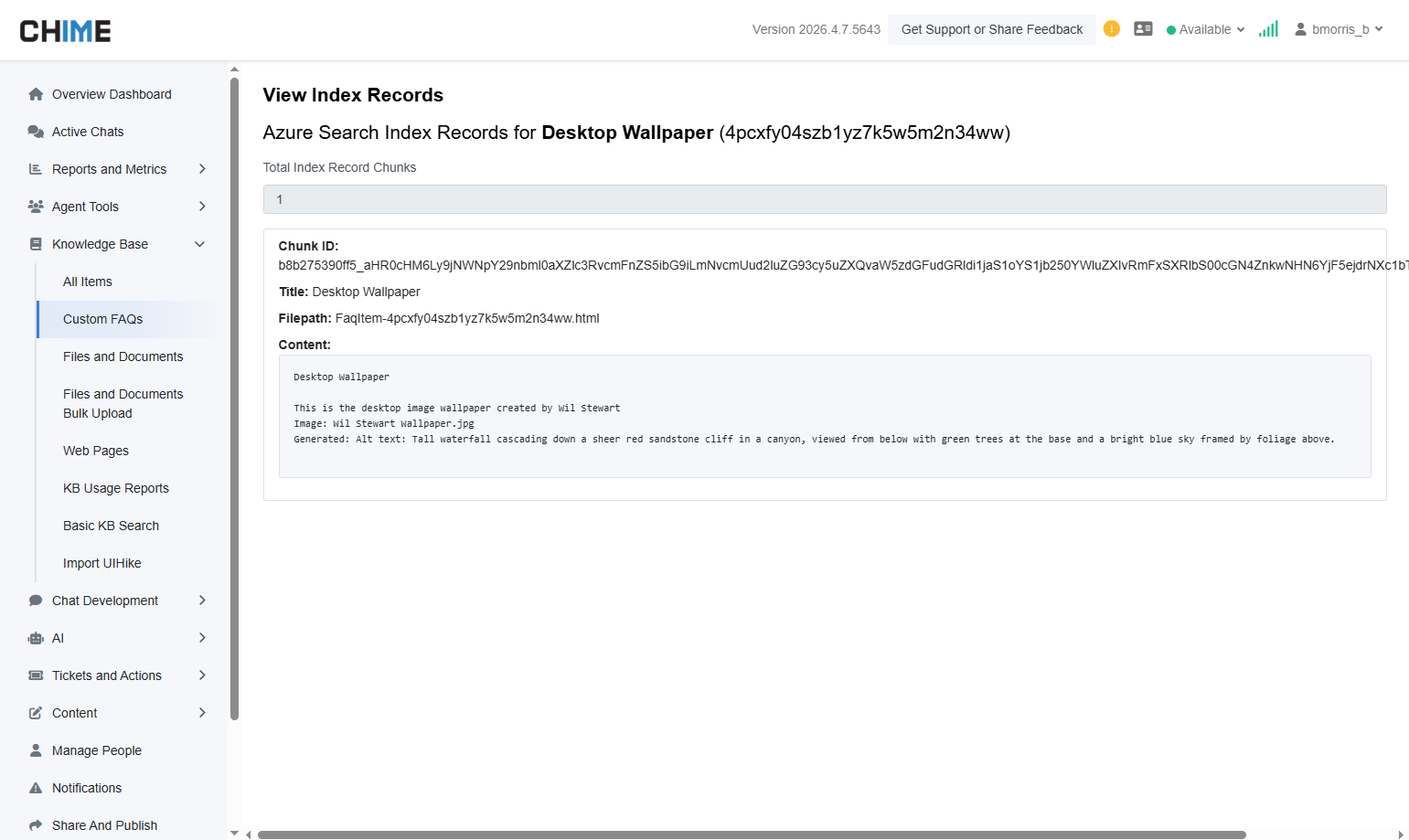
Displays the indexed records stored in Azure Search, including chunk ID, title, file path, and content. Also includes AI-generated alt text for images, alongside the associated FAQ text, improving search accuracy and AI responses.
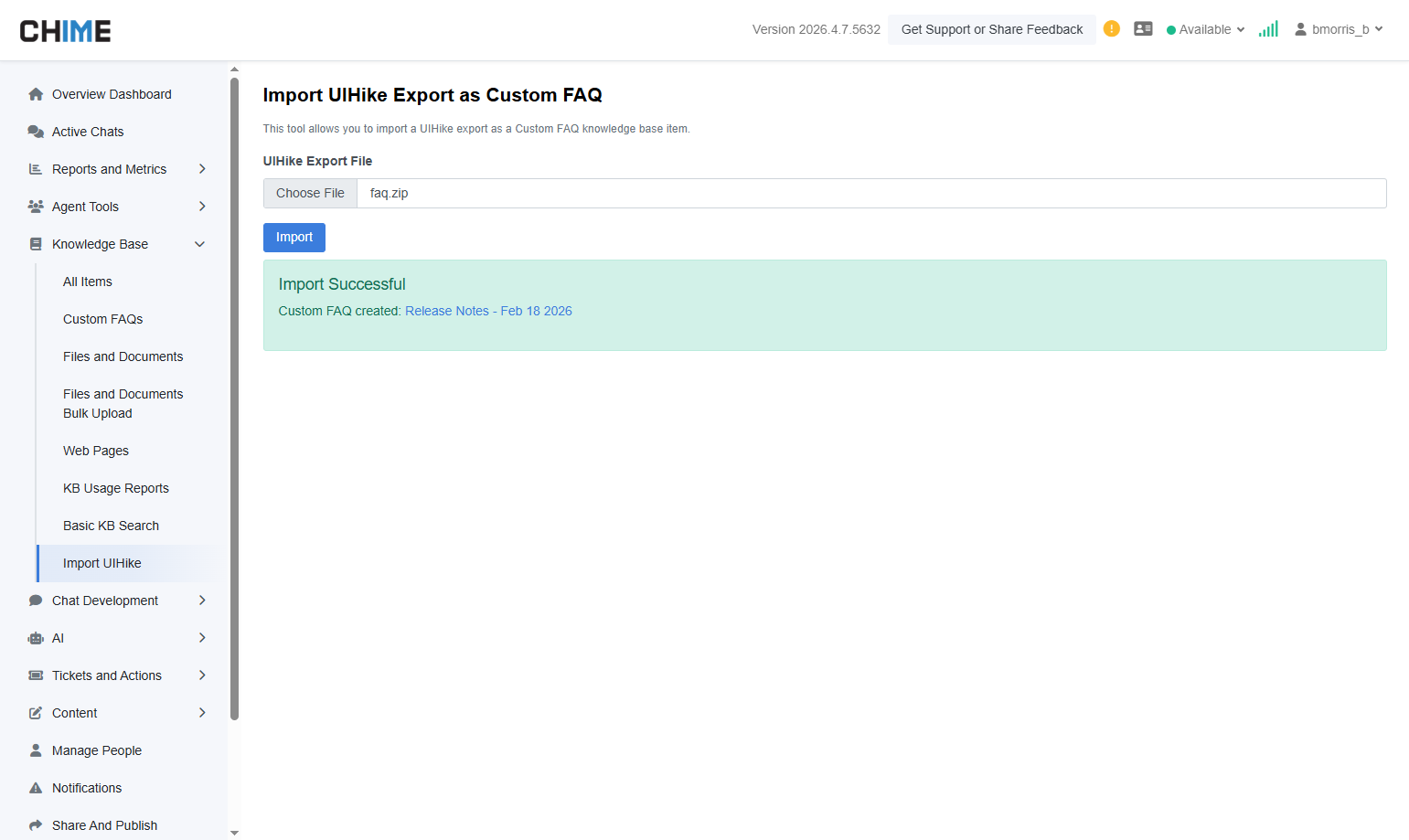
Shows the UI Hike import page within the Knowledge Base section of the Manager UI, where users can upload and import UI Hike markdown export files (ZIP) directly into Custom FAQ
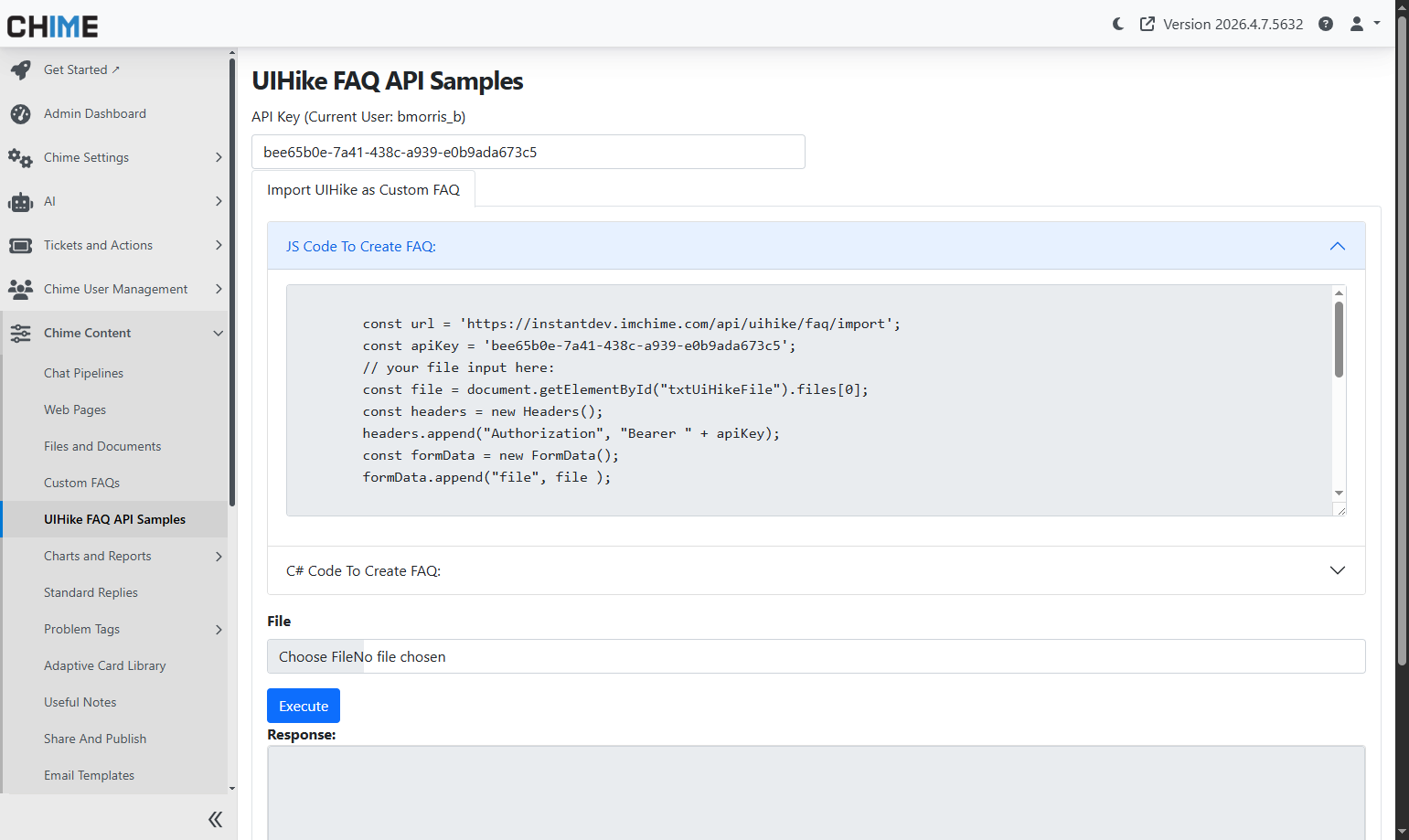
Displays the Admin page with API sample code (JavaScript and C#) for importing UI Hike content, along with an upload option to import files directly through the UI.
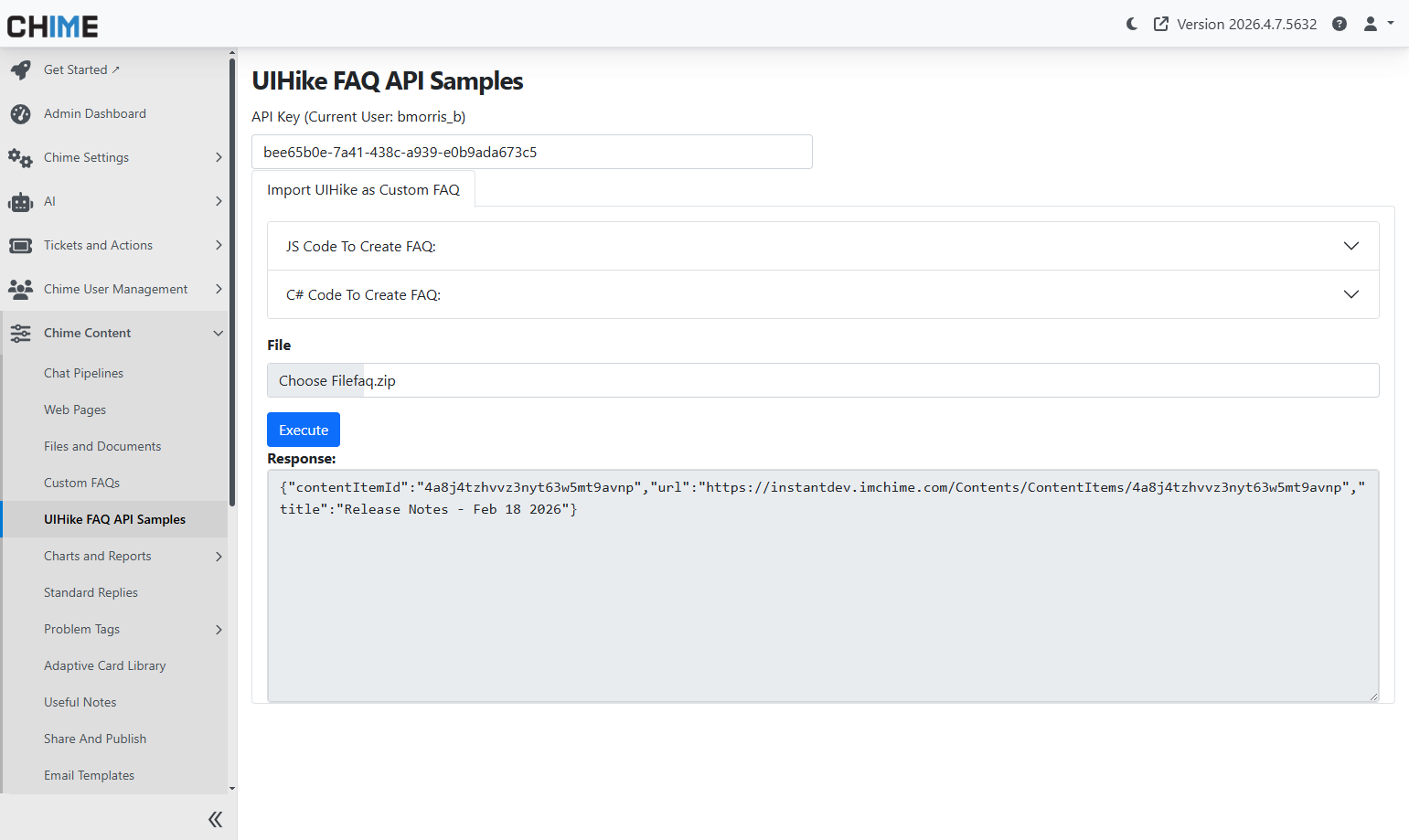
Displays the API response after executing a UI Hike import request. The response confirms successful creation of the Custom FAQ, including the content item ID, direct URL, and title for quick access and verification.